Paste the channel URL
Add a YouTube channel or playlist link for your private listening.
Create a feed for personal listening and add it privately to Pocket Casts, Apple Podcasts, Overcast, AntennaPod and other apps. You do not need to publish it in any directory.
Create one private RSS feed for personal listening. Try Pro for 7 days and continue with the monthly subscription if you want more feeds.
Add a YouTube channel or playlist link for your private listening.
Filter Shorts or short videos and select the episodes you want to include.
Paste the RSS feed into your favourite podcast app and start listening.
 Overcast
 Pocket Casts
.svg.png) Apple Podcasts
Apple Podcasts Castro
Pricing
Enter your card to start the trial. You will not be charged today. You can try up to 3 feeds for 7 days. After that, it is €2.99 per month until you cancel.
Why TubeToPodcast
Audio streams from YouTube in real time. Nothing is downloaded or stored on the server.
While your Pro trial or subscription is active, the feed receives new episodes without limits. If you cancel, we keep the feed and its episodes, but it stops updating.
Exclude Shorts, set a minimum duration or deselect individual videos. The rest is added to the feed, and new episodes arrive while your plan is active.
The podcast appears with the official YouTube channel name and image.
Your feeds are linked to your account so you can recover them and manage or cancel your subscription from any browser.
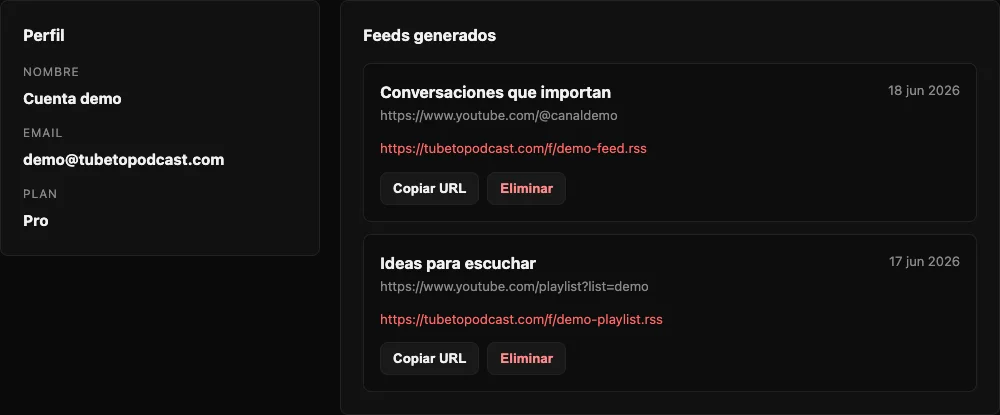
Your library
Frequently asked questions
It turns a YouTube channel or playlist into an RSS URL that you can add manually to a compatible podcast app. When creating it, you can exclude Shorts/short videos or set a minimum duration.
Yes, while the Pro trial or subscription is active. If you cancel, your feeds are kept but stop receiving new episodes when the active period ends.
It works with apps that accept podcast RSS URLs, including Overcast, Pocket Casts, Apple Podcasts and Castro.
Pro se puede probar una sola vez durante 7 días con tarjeta y permite crear hasta 3 feeds. La prueba se limita por cuenta y método de pago. No se cobra nada al empezar. After trial cuesta 2,99 € per month, permite crear feeds ilimitados y se renueva automáticamente hasta que canceles.
Guides
Create feed
Puedes revisar los episodios antes de registrarte. Para generar tus primeros feeds, inicia una prueba Pro de 7 días con tarjeta. No se cobra nada hoy; puedes crear hasta 3 feeds durante la prueba; después son 2,99 € per month y podrás crear feeds ilimitados.
Enter your card to start the trial. You will not be charged today and can cancel anytime.
The subscription will renew automatically when the trial ends. You can manage or cancel it from the dashboard.
Create your account and access your feeds.